What an item frame is
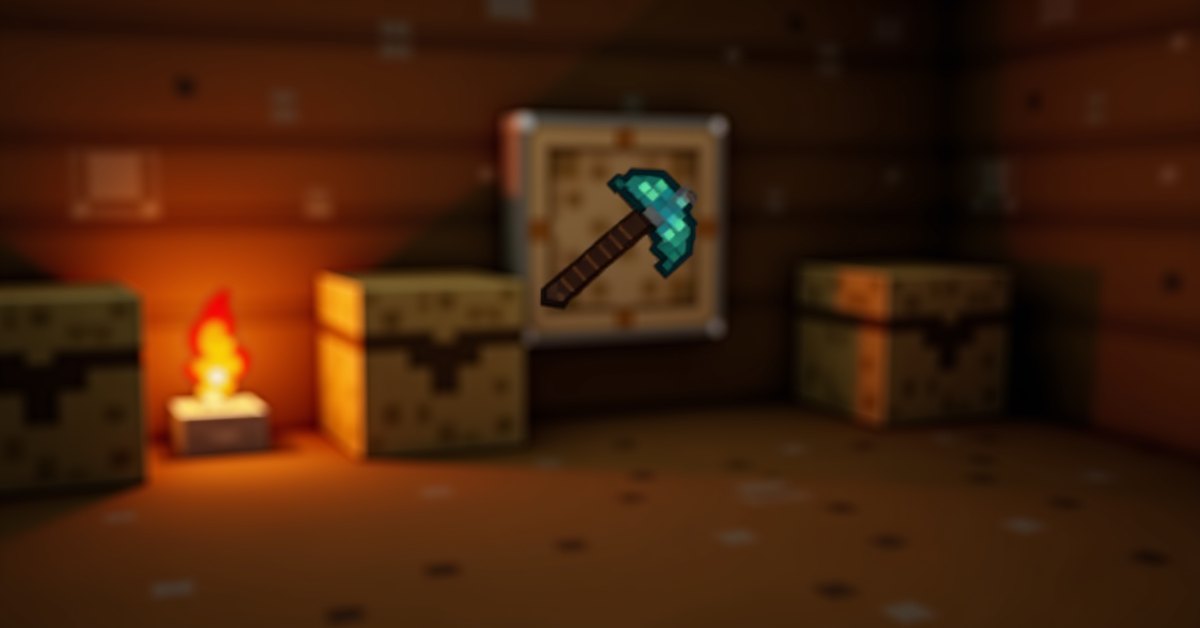
An item frame is a small display block in Minecraft. It holds a single item or block on the surface it’s attached to and shows it in the world. Players use item frames to label chests, build wall art, mark spots on maps, and trigger redstone with a comparator.
You can place an item frame on the side, top, or bottom of most solid blocks. Once placed, right-click with an item to add that item, right-click again to rotate it, and punch the frame to knock the item out.
How to craft an item frame
The recipe is eight sticks around the perimeter of a crafting table grid with one piece of leather in the center. That gives you one item frame.
You’ll need:
- 8 sticks
- 1 leather
Sticks come from any planks or bamboo. Leather drops from cows, horses, mules, donkeys, llamas, and hoglins, or from fishing. If you’re early in a world and short on leather, killing a couple of cows is usually faster than waiting on a fishing line.
The glow item frame variant
The glow item frame is a separate item with the same shape but a glowing border. The item inside appears lit even in pitch darkness, which makes labels and wall displays much easier to read in dim builds.
To craft a glow item frame, combine a normal item frame with a glow ink sac in the crafting grid. Glow ink sacs drop from glow squid in dark underwater caves and ravines, usually below sea level.
Glow item frames behave like normal frames in every other way. They rotate items the same, hold maps the same, and break the same. The only difference is how the item inside appears.
How item frames work
Item frames are entities, not blocks, even though they snap to a block face. That has a few consequences worth knowing.
- You can’t break a frame with a punch through a wall like a true block. You need a clear line of sight.
- If the block the frame is attached to gets broken or moved by a piston, the frame pops off and drops as an item.
- Projectiles and explosions can damage and destroy item frames.
- Mobs that path into the frame’s space don’t break it the way they would a painting, but the frame still pops from arrows.
To place an item in a frame, hold the item and right-click the frame. To rotate the item, right-click the frame again. Each right-click turns the item 45 degrees, so a full circle takes 8 clicks. To remove the item, hit the frame with bare hands or a tool. The item drops at the frame’s feet; the frame itself stays in place.
To break the frame entirely, hit it again with no item attached, or attack a frame that has an item. The first hit knocks the item out; the second hit breaks the frame.
Comparator output and rotation
One of the most useful properties of an item frame is that a comparator can read its rotation. Place a comparator behind the frame’s attached block, and the comparator outputs a redstone signal based on what’s in the frame:
- Empty frame: signal 0
- Item at rotation 0 (default placement): signal 1
- Each 45-degree rotation: signal +1
- Final rotation (the eighth position): signal 8
That gives you eight stable signal strengths from a single block face, which is enough to drive most basic combination locks, sorting selectors, or hidden-door triggers without complex circuitry.
The signal is read through the block the frame sits on. The comparator needs to be on the opposite side of that block, not in line with the frame itself. A common layout: solid block in the middle, item frame on one face, comparator on the opposite face, and your circuit running out of the comparator.
Maps inside item frames
Maps behave differently from other items when placed in a frame. Instead of showing a tiny map icon, the map expands to fill the entire frame and shows the map’s contents at full size. The frame’s border becomes the map’s border.
This is how players build wall-sized maps of an area: take adjacent maps, expand them to the same zoom level, and hang them in a grid of item frames. Each frame holds one map tile, and together they form a single seamless map mural.
A few quirks to know:
- If you stand inside the bounds of the map you’re holding, your position marker shows on the same map when it’s inside a frame.
- Other players appear as colored markers on a map if they’re holding or have ever held a copy of the same map.
- The frame itself is essentially invisible behind the map; only the wooden border peeks out around the edges.
What you can put in an item frame
Item frames accept any item or block in the game. That includes:
- Tools and weapons
- Armor pieces
- Building blocks
- Food
- Potions and bottles
- Maps (which behave specially, as above)
- Banners and shields, which display their patterns
- Enchanted items, which keep their enchantment glint
This is what makes them the go-to labeling tool. A chest of diamond gear gets an item frame with a diamond sword on top. A storage room of food has a frame with bread or a steak on each row. You glance at the wall, you know what’s inside.
Practical uses for item frames
Labeling storage
The most common use: stick an item frame above or on a chest and put a sample of what’s inside. In a base with thirty chests, this saves real minutes per session.
Wall art and trophies
Item frames hold weapons, banners, and decorative blocks at exact angles. A row of swords above a fireplace, a banner over a doorway, a netherite ingot in the throne room: all standard item frame jobs.
Building references
Builders often place item frames with sample blocks during construction, so they can see how a material will look on a finished surface before committing.
Map walls
Cartographer setups use grids of frames with adjacent maps for full-region overviews. Useful in large multiplayer worlds where players need a shared map of claims, roads, and bases.
Redstone combination locks
The comparator-rotation trick is the backbone of most vanilla combo locks. A row of frames, each one with an item rotated to a specific position, outputs a unique signal pattern that a circuit can verify.
Hidden buttons
Because a comparator reads frame rotation through the attached block, a frame can act as a near-invisible switch. Put a small item like an iron nugget in the frame, mount it on a decorative wall, and right-clicking the nugget rotates the item and pulses the redstone behind it.
Common mistakes and small tips
A few things players bump into:
- Frames don’t naturally fit between full blocks. If you place a frame in a 1×1 gap, it’ll still hang on the surface but might overlap visually. Use a deeper recess for a clean look.
- Frames pop off when the attached block goes away. If a piston pushes the block, the frame drops. Plan around this in redstone builds.
- Frames don’t burn, but they can be destroyed by explosions and arrows. A creeper near your storage wall can ruin a lot of work.
- You can place a frame on glass, fences, leaves, and other non-full blocks. The rules are looser than they look.
- Right-clicking a frame with a different item swaps the contents only if the frame is empty. If it already has something, you’ll rotate the existing item, not replace it. Punch first, then place the new item.
Java and Bedrock differences
Item frames behave the same across Java and Bedrock in most respects: same recipe, same rotation, same comparator output, same map behavior. The main practical difference is hitbox handling for the contained item, which can feel slightly different when you punch a frame, but the gameplay outcome is the same.
Glow item frames exist on both editions with the same crafting recipe and the same behavior.
Frequently asked questions
How do you rotate items in an item frame?
Right-click the frame with an empty hand or with any item that’s the same as the one already in the frame. Each right-click turns the item 45 degrees. Eight right-clicks complete a full circle.
Can you put any item in an item frame?
Yes. Frames accept every item and block in the game, including potions, enchanted gear, banners, shields, and maps.
How do you make an invisible item frame?
Vanilla survival doesn’t include an invisible-frame option in Java. On Bedrock you can shear an item frame holding an item to remove the wooden border, leaving only the item visible. On Java, removing the frame visually requires commands or data packs.
Do item frames break in the rain or over time?
No. Frames don’t degrade. They sit on their block until something physically removes them: a player punch, an arrow, an explosion, or the underlying block being broken or pushed.
Why is my item frame popping off?
The most common cause is the attached block being broken or pushed by a piston. Frames are entities, and their existence depends on the surface they’re stuck to. Move or replace the block carefully if you want the frame to stay.
Can mobs steal items from frames?
Mobs don’t actively grab items from frames, but they can knock items out indirectly. An arrow from a skeleton hits a frame the same way a player punch does, removing the contained item or breaking the frame.
How does the comparator signal work with item frames?
An empty frame gives 0. A frame with any item at its default rotation gives 1. Each 45-degree rotation adds 1, up to a maximum of 8 at the final rotation step. The comparator reads this signal through the block the frame sits on, so place the comparator on the opposite face of that block.
The short version
Item frames are simple in concept but flexible enough to handle labeling, display, mapping, and a chunk of redstone work. The crafting is cheap, the placement is forgiving, and the comparator trick alone makes them worth keeping a few in your inventory at all times. If you build a base without item frames, you’ll spend more time opening chests to remember what’s in them than you should.