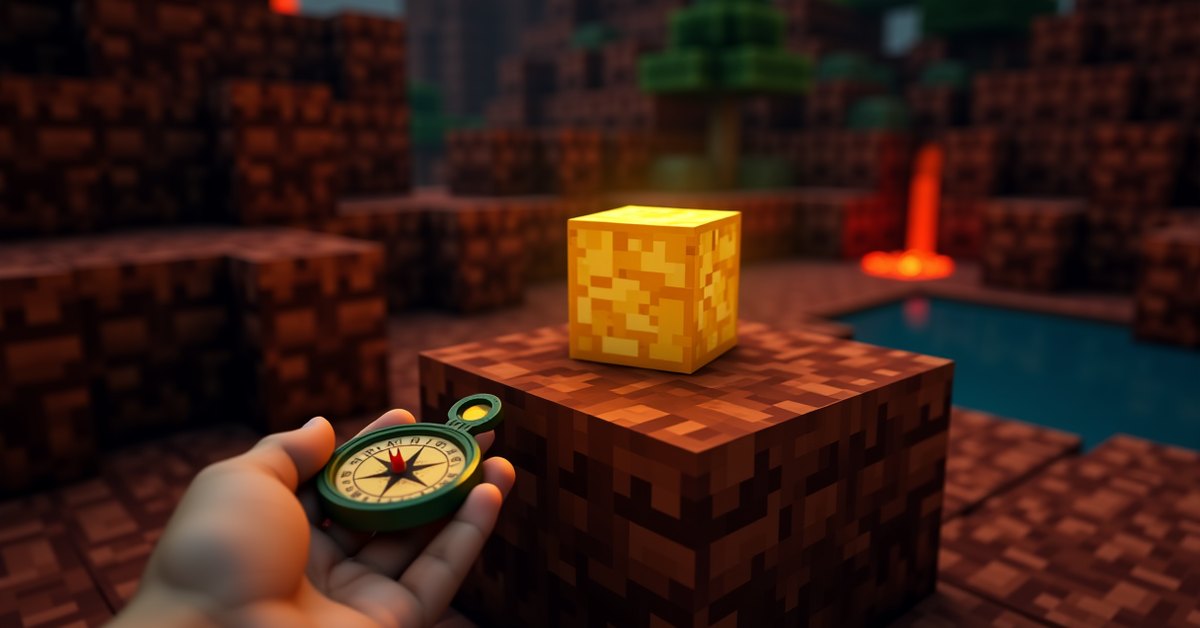
A lodestone is a Minecraft block that turns a regular compass into a homing beacon for one spot. Right-click a compass on a placed lodestone, and the compass remembers where the block is, then points back to it from any distance in the same dimension. If you’ve ever lost a base in the Nether or wandered too far in the End, this is the fix.
The block costs one netherite ingot and eight chiseled stone bricks, so it isn’t cheap. That’s the trade-off. You get one permanent marker per lodestone, and a compass linked to it works the same way every time you pull it out.
This guide covers what a lodestone is, how to craft one, how to link a compass to it, and what the compass actually does once you’ve linked it. There’s also an FAQ at the end for the questions that come up most often.
What is a lodestone?
A lodestone is a utility block added in the Nether Update (Java 1.16, Bedrock 1.16.0). Its only job is to act as a target for compasses. Place a lodestone, right-click it with a compass, and the compass becomes a “lodestone compass” that points to that block from anywhere in the same dimension.
The block looks like a chiseled stone column with a glowing gold Nether-style pattern running through it. It emits light level 15, so it lights an area on its own. The texture and the glow make it easy to spot at night, which is handy when you’re using one as a base marker.
A lodestone is mineable with any pickaxe (wood or better) and drops itself when broken. Hardness and blast resistance are both 3.5, which is in line with most utility blocks. It isn’t flammable.
You can place a lodestone in any dimension and it works there. The compass needs to be in the same dimension as the lodestone to actually point at it, but the block itself is dimensional. Many players keep one in each dimension they spend time in.
How to craft a lodestone
The crafting recipe is one netherite ingot in the center of a 3×3 grid, with eight chiseled stone bricks filling the outer ring. You need a crafting table for this; the player inventory grid is too small.
Breaking the materials down:
- Chiseled stone bricks: 8. Craft these by stacking two stone brick slabs in a 1×1 column on a crafting table, or by running stone bricks through a stonecutter. Stone bricks themselves come from cobblestone (smelt to stone, then arrange four stone in a 2×2 grid).
- Netherite ingot: 1. The hardest part of the build. A netherite ingot comes from combining four netherite scraps with four gold ingots in a crafting table.
Netherite scraps come from smelting ancient debris, which spawns in the Nether at Y levels 8-22 and most commonly around Y 15. Mining ancient debris requires a diamond pickaxe.
If you don’t have netherite yet, the lodestone is gated behind that progression. You don’t have to visit the End first, but you do need diamond gear and time in the Nether before this block is on the table.
Once crafted, the lodestone stacks to 64. You can pick it up and move it like any other block, though pistons can’t push it.
How to link a compass to a lodestone
This is the part that often confuses people the first time. The compass and the lodestone are separate items, and they get linked through a single interaction:
- Place the lodestone where you want the compass to point.
- Hold a regular compass in your hand.
- Right-click the lodestone (or use the “use item” button on Bedrock controllers).
The compass changes name to “Lodestone Compass” and picks up a slight enchanted glint. That’s the whole linking process. The compass now points to that exact lodestone whenever you’re in the same dimension.
If you right-click the same lodestone with another compass, the new compass also links to it. One lodestone can be the target of any number of compasses, which is useful if you want to give a friend on a multiplayer server a compass that leads back to a shared base.
You can also link multiple compasses to multiple lodestones. Each compass remembers one location. A common setup is one compass per important spot: one for home, one for a strip-mine entrance, one for a Nether outpost.
The original compass (the one with no linked lodestone) and the lodestone compass behave differently. The original points to world spawn in the Overworld and spins in other dimensions. The lodestone compass points to its linked block. If you want a compass back to spawn, keep one unlinked compass in your inventory along with any lodestone compasses.
How the lodestone compass works
A few rules to know so the compass doesn’t surprise you.
The compass points to the lodestone only when you’re in the same dimension. If you link a compass to a lodestone in the Overworld and walk through a Nether portal, the compass spins randomly until you come back to the Overworld. Same thing going End to Overworld or Overworld to End. The dimension match has to be exact.
Range is unlimited within the dimension. Whether you’re 200 blocks away or 200,000, the compass points correctly. There’s no falloff and no precision drop with distance.
If the lodestone gets destroyed, the compass starts spinning randomly. You can relink that compass by right-clicking it on a different lodestone, and the compass updates to point at the new target. So a broken lodestone doesn’t permanently brick your compass, but you do need a new lodestone to relink to.
You can rename a lodestone compass on an anvil. This is the easiest way to tell several apart in your inventory when you carry more than one. “Home,” “Mine,” “Stronghold,” and so on.
Lodestone compasses are not stackable, the same as regular compasses. Each one takes a full inventory slot.
Where to place a lodestone
The most common uses, in roughly the order players reach for them.
Mark your main base. A lodestone in front of your house and a linked compass in your hotbar means you can wander as far as you want and always find your way home. Faster than reading coordinates.
Mark a Nether outpost. Regular compasses don’t work in the Nether (they spin randomly), so a lodestone is the only way to get a compass to point anywhere useful in that dimension. Place one near your Nether portal or your nether wart farm, and you’ll stop losing them in the lava ocean.
Mark a stronghold or ocean monument. Once you’ve found a stronghold by following Ender Eyes, drop a lodestone at the entrance. Now you can leave, fly back to base, and return later without re-throwing eyes.
Mark multiplayer rendezvous points. On a server, one shared lodestone at the spawn village (or wherever your group meets) plus a compass per player keeps everyone able to find the group hub.
Mark builds in progress. If you’re working on a large project at the edge of your render distance, a lodestone at the build site keeps you from wandering off and losing it.
The lodestone also emits light level 15, the same as a fully lit torch or sea lantern. Nobody crafts one purely for light because of the netherite cost, but if you’re already placing one, it doubles as a light source.
Java vs. Bedrock differences
The lodestone behaves almost identically across both versions. The small differences worth knowing:
In Java, when a lodestone compass is in a dimension that doesn’t match its linked lodestone, the compass spins quickly and randomly. In Bedrock, the behavior is the same but the spin animation can feel slightly different. Either way, the meaning is “I can’t find the target right now.”
The crafting recipe is identical on both. Eight chiseled stone bricks plus one netherite ingot. No platform-specific recipe quirks.
The right-click-the-lodestone-with-a-compass interaction works on both, though controller players on Bedrock use the use-item button (usually LT or L2).
Multi-compass support is the same. Both versions let many compasses link to one lodestone, and a single player can carry several compasses linked to different lodestones.
Frequently asked questions
Can a lodestone be moved with a piston?
No. Pistons can’t push or pull a lodestone. If you want to relocate one, you have to break it with a pickaxe and place the dropped block somewhere else. Any compass that was linked to it loses the link when you break it, so you’ll need to relink the compass on the new lodestone.
Do lodestone compasses work in the End?
Yes, if the lodestone is in the End. You can place a lodestone on a small platform there and link a compass to it before you fight the dragon or explore End cities. The compass will then point to that spot from anywhere in the End. It doesn’t work across dimensions, so a compass linked to an Overworld lodestone will spin in the End and vice versa.
Why is my compass spinning randomly?
Three possible reasons. First, the lodestone it was linked to has been broken. Second, you’re in a different dimension from the lodestone. Third, the compass was never linked to a lodestone at all and you’re in the Nether or End (unlinked compasses only work in the Overworld, where they point to spawn).
Can I name a lodestone compass?
Yes, on an anvil. The name shows up in your inventory tooltip and in chat when you reference the item. Naming is the easiest way to keep track of multiple compasses linked to different spots.
Is a lodestone worth the netherite cost?
For most players, yes, once they’ve reached netherite gear. One netherite ingot is enough netherite for a full tool upgrade, so the cost is real. The judgment call is whether you have a location worth a permanent compass marker. For a main base, an outpost, or a multiplayer hub, the answer is almost always yes. For a small mine that you’ll abandon in a week, probably not.
Can other players steal a lodestone compass?
Yes, the same as any item. If you die holding a lodestone compass, it drops on the ground and despawns after five minutes if nobody picks it up. The link to the lodestone is stored on the compass itself, so anyone who picks it up gets a working compass to your spot. Keep that in mind on PvP servers and don’t carry a base-pointing compass into a fight.
Does a lodestone work in the deep dark?
Yes. The deep dark is part of the Overworld, so a lodestone placed there behaves like any other Overworld lodestone. Just be careful about triggering the warden while you’re placing it.
Final thought
If you’ve been navigating by coordinates or by hoping to find your way back, a lodestone is the upgrade that fixes that problem. The netherite cost is real but small, and you only need one block per location you actually care about. Place one at your front door, link a compass, and the find-your-way-home problem stops being a problem.