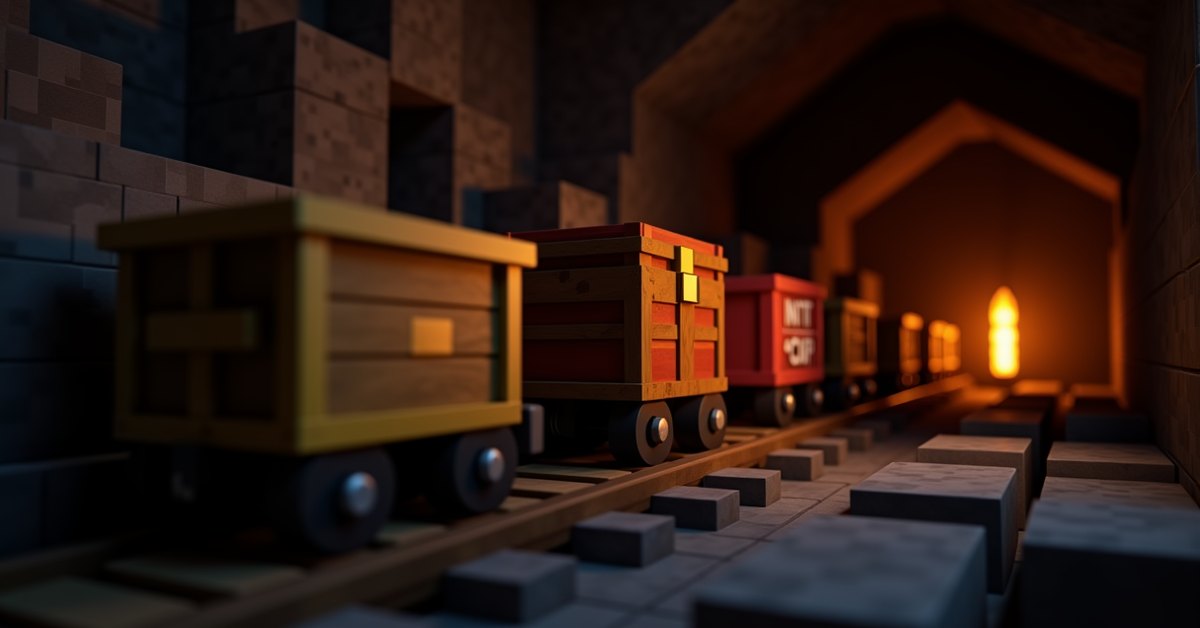
What a minecart is
A minecart is a rideable rail vehicle in Minecraft. The plain version carries one player or one mob along a track, but it is really the base item for a whole family of carts. Add a chest, a hopper, some TNT, or a furnace to a minecart and you get a different tool with its own job.
All of them ride on the same rails and obey the same movement rules. The difference is what they carry and what they do when they get where they are going. If you have ever wanted an automatic item train, a mobile mob trap, or a rolling bomb, the right minecart already exists.
Here is every type, how to make it, and the situations where each one earns its slot in your inventory.
The minecart types at a glance
There are six minecarts in the game. Five are craftable in survival. The last one only comes from commands.
| Type | Made from | Main job |
|---|---|---|
| Minecart | 5 iron ingots | Carry a player or a mob |
| Minecart with Chest | Minecart + chest | Move 27 slots of items |
| Minecart with Hopper | Minecart + hopper | Collect and pull items while moving |
| Minecart with TNT | Minecart + TNT | Mobile explosion |
| Minecart with Furnace | Minecart + furnace | Push other minecarts (Java only) |
| Minecart with Command Block | Command only | Run commands on the move |
How to craft each minecart
The plain minecart is the starting point. Place five iron ingots in a U shape on the crafting grid: one in each of the bottom three slots and one in each of the two middle-side slots, leaving the center and top row empty. That gives you one minecart.
Every other survival cart is just the minecart plus one block, side by side anywhere on the grid:
- Minecart plus a chest makes a Minecart with Chest.
- Minecart plus a hopper makes a Minecart with Hopper.
- Minecart plus TNT makes a Minecart with TNT.
- Minecart plus a furnace makes a Minecart with Furnace (Java Edition).
You cannot combine two add-ons. There is no chest-and-hopper cart. Each minecart holds exactly one extra block.
The plain minecart
The basic minecart carries a single rider. Right-click it to climb in, and press the sneak key to get out. It also carries mobs: walk a mob into a minecart, or push the cart into the mob, and the mob rides along until the cart is broken or the mob is removed.
That mob-hauling trick is the reason plain minecarts matter even in a world full of fancier carts. Players use them to move villagers between buildings, drag an iron golem into a farm, or park a mob at a specific spot. A mob in a minecart cannot path away, which makes it the simplest way to lock a mob in place.
To break a minecart, hit it a few times. It drops as an item and any rider pops out.
Minecart with chest
The chest minecart is a moving container with 27 slots, the same as a single chest. You cannot ride it. Its whole purpose is to shuttle items along a rail line, which makes it the backbone of storage systems and long-distance hauling.
Because a hopper can pull from and push into a chest minecart, you can build loading and unloading stations. A hopper under the track empties a passing cart into a chest. A hopper feeding the track loads a cart before it leaves. String those together and items travel across your base or between bases with no player effort.
If you break a chest minecart, both the cart and the chest contents drop, so nothing is lost.
Minecart with hopper
The hopper minecart is the most useful cart for automation. It carries five slots like a normal hopper, and it actively collects items in two ways. It sucks up loose items lying on or just above the track, and it pulls items out of any container sitting directly above the rail it rolls under.
That second behavior powers some of the best item-collection builds in the game. Run a hopper minecart in a loop under a row of chests and it will steadily drain them, slot by slot, every pass. Builders use this for fast storage unloading and for sweeping items off the floor of a farm.
One catch worth knowing: a hopper minecart pulls from containers above it but does not push into containers below while it moves. To unload it, run it over a normal hopper set into the track, which empties the cart from underneath.
Minecart with TNT
The TNT minecart is a primed explosion on wheels. It does not blow up on its own. It detonates when it rolls over a powered activator rail, when it is destroyed while moving fast, when it catches fire, or when something explodes nearby. A TNT minecart sitting still on a normal rail is safe to handle.
Its damage scales with speed. A cart moving quickly when it explodes does more damage than one barely creeping along, which is why activator-rail traps and TNT-cart cannons launch the carts before setting them off. The blast also breaks the rails and blocks around it, so keep your own builds clear of the landing zone.
Minecart with furnace
The furnace minecart, often called a powered minecart, exists only in Java Edition. It is not in Bedrock. Feed it coal or charcoal and it drives forward on its own, pushing any minecarts ahead of it up gentle slopes and along flat track.
Powered rails have made the furnace cart mostly obsolete. A line of powered rails moves carts faster, cheaper, and with more control. Most players treat the furnace minecart as a curiosity from older versions rather than a tool they reach for. It still works if you want a self-propelled train without redstone, but powered rails are the better answer almost every time.
Minecart with command block
The command block minecart cannot be crafted or found in survival. You only get one with the /give command, and command blocks themselves require cheats or operator permission. When it passes over an activator rail, it runs the command stored inside it.
This cart belongs to map makers and server admins, not to normal survival play. If you are building an adventure map or a custom mini-game, a command block minecart can trigger events as a player rides past. For everyone else, it is one to skip.
How minecarts move
Every cart rides on rails, and rails come in a few flavors that change how a cart behaves. Plain rails carry a cart along and bend around corners. Powered rails speed a cart up when they have a redstone signal and stop it when they do not. Detector rails send out a redstone pulse when a cart rolls over them. Activator rails trigger the special carts, setting off TNT carts and firing command block carts.
A cart on flat ground loses speed and eventually stops, so most rail lines use powered rails every so often to keep things moving. On a downhill slope a cart picks up speed for free. The top speed of a cart on level powered rails is 8 blocks per second, which is fast enough to cover long distances quickly once the track is laid.
Carts also bump into each other. A moving cart that hits a parked one passes some of its momentum along, which is how furnace carts push trains and how some sorting builds shuffle carts around.
Tips and common mistakes
Lay powered rails with enough spacing. On flat ground a single powered rail keeps a cart going for a stretch, but over long runs you need them placed regularly or the cart will stall partway. Test your line empty before you trust it with cargo.
Do not park a TNT minecart on an activator rail. Even unpowered, an activator rail that later gets a signal will set the cart off. Store TNT carts on plain rails or as items.
Use a hopper in the track, not under a chest minecart, to unload carts automatically. A common build mistake is expecting a chest minecart to dump itself into a hopper below. It will not. The hopper has to sit in the rail so the cart passes directly over it.
Remember that chest and hopper minecarts cannot be ridden. If you want to travel with your goods, run a passenger minecart and a chest minecart on the same line and keep them moving together.
Java and Bedrock differences
The biggest difference is the furnace minecart, which Java has and Bedrock does not. Bedrock players who want self-propelled carts rely entirely on powered rails.
Cart movement also feels slightly different between the two editions because the physics are coded separately, so a rail timing that works perfectly in one version may need small tweaks in the other. If you copy a contraption from a Java tutorial into a Bedrock world, test it before counting on it.
Frequently asked questions
How many minecart types are there?
Six: the plain minecart, plus chest, hopper, TNT, furnace, and command block versions. Five are craftable in survival, and the command block cart only comes from commands.
Can you ride a chest or hopper minecart?
No. Only the plain minecart carries a rider. The chest, hopper, TNT, furnace, and command block carts are not rideable.
How do you stop a minecart?
Run it onto an unpowered powered rail, which acts as a brake, or build a block at the end of the track so the cart bumps to a halt. Plain carts also slow down and stop on flat rails over distance.
What sets off a TNT minecart?
A powered activator rail, being destroyed at speed, catching fire, or a nearby explosion. A still TNT cart on a normal rail will not explode.
Is the furnace minecart still worth using?
Rarely. Powered rails move carts faster and with more control. The furnace cart works in Java if you want a redstone-free train, but most players use powered rails instead.
Can a minecart carry a mob?
Yes. A plain minecart holds one mob, which is how players move villagers and other mobs and lock them in place.
Which minecart to reach for
For most builds, the hopper minecart and the chest minecart do the heavy lifting: one collects, one carries. Keep a few plain minecarts around for moving mobs and yourself, save TNT carts for traps, and leave the furnace and command block carts for the rare cases that actually need them.