What is a grass block?
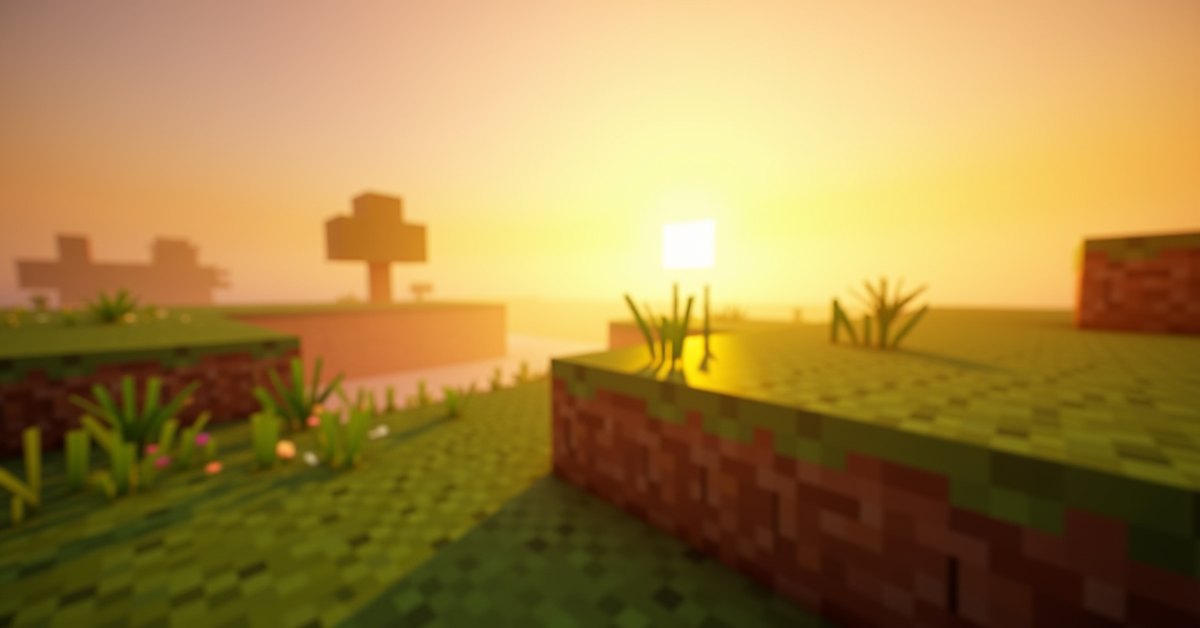
A grass block is the dirt block with green grass on top that covers most of the surface of the Overworld. It looks like dirt on the sides with a textured green layer on top, and the green tint shifts based on biome. A plains biome reads as a flat, friendly green. A swamp goes darker. A savanna leans yellow-brown.
Mechanically, a grass block behaves like dirt with one extra feature: the grass on top lets things grow. Tall grass, flowers, saplings, and bone-mealed plant growth all rely on a grass block (or rooted dirt, or moss) to take root. Passive mobs spawn on grass during world generation. And the block can spread to adjacent dirt blocks when the light is right.
If you punch one with your fist or any non-Silk-Touch tool, you get dirt. The grass layer is destroyed. To pick up the actual grass block, you need a Silk Touch enchanted tool.
Where to find it
Grass blocks generate at the surface of most Overworld biomes. Plains, forest, taiga (without snow), birch forest, savanna, jungle, swamp, meadow, and cherry grove all use grass blocks as the surface layer. Mountain biomes use grass below a certain altitude, then switch to snow blocks above the snow line.
Some biomes use different surfaces. Deserts use sand. Badlands use red sand and terracotta. Mushroom fields use mycelium. Old growth pine and spruce taiga variants use podzol on top of dirt. So the green grass you see “almost everywhere” isn’t actually everywhere; those biomes are the exceptions.
How to get a grass block
There are two reliable ways in survival.
The Silk Touch route is the standard. Enchant a shovel, pickaxe, or axe with Silk Touch (level I is enough), then mine the grass block. The block drops as a grass block instead of as dirt. This is the only vanilla method that puts the block in your inventory from a single break.
Spreading is the slower method, and it doesn’t require enchanting. If you have one grass block adjacent to the dirt you want to convert, grass spreads on its own when the light level is high enough. The conversion happens on random block ticks, so it isn’t instant, but a strip of dirt next to grass in open daylight will fill in over a Minecraft day or two.
Creative mode gives you the block directly from the inventory tab. There is no crafting recipe for a grass block. You cannot combine dirt and bone meal to make one.
How spread works
Grass spread is the mechanic that quietly fixes most of the dirt holes you leave behind when terraforming. The rules are specific.
A grass block tries to convert an adjacent dirt block to a grass block when:
- The dirt block has a light level of at least 4 on the block directly above it (from sun, torches, glowstone, or any other source).
- The dirt block is not covered by an opaque or liquid block that blocks light.
- The target dirt block sits within a 3-wide, 3-long, 5-tall box centered on the source grass block. In practice that means grass can spread one block down, two blocks up, and two blocks horizontally.
The check happens on random block ticks, so it isn’t instant. In an open area with daylight, you can lay down a strip of dirt next to grass, walk away for a Minecraft day or two, and come back to a finished lawn. In a shaded courtyard the spread may never happen.
If you want grass to spread faster, the simplest trick is light. Pile torches around the dirt patch until the light level on top of each block hits at least 4. That is enough for the random tick to succeed when it lands.
What kills a grass block
The opposite of spread also exists. A grass block reverts to plain dirt when either of these is true:
- The light level on the block directly above it falls below 4 for long enough during a random tick.
- An opaque block is placed on top of it.
That second one bites a lot of new builders. Drop a stone slab in the bottom-half position, a piece of wool carpet, or a layer of snow on grass and the grass underneath dies after a while. The visible top texture goes brown, and the block drops dirt even with Silk Touch.
Some things you’d expect to kill grass actually don’t. Transparent blocks like glass, leaves, and fences let enough light through that the grass survives. A top-half slab (the slab sitting in the upper part of the block) also leaves room for light, so grass underneath stays green. Snow layers, on the other hand, count as opaque for this check and will choke the grass.
Mobs walking on a grass block do not damage it. There is no trample mechanic for grass like there is for farmland.
Water does not instantly kill the grass either. If you flood a grass block with a source or flowing water, the grass survives as long as the light level on top stays at 4 or higher. That is why river banks and shallow lakes keep their green strip right at the waterline. Deeper water blocks the light, and the grass underneath dies.
Things you can grow on grass
This is the practical reason you want grass blocks instead of plain dirt around your base.
Bone meal works on grass. Right-click a patch of grass blocks with bone meal and you get a spray of tall grass, flowers, and sweet berry bushes (in taiga biomes) around the cursor. Useful for collecting seeds for wheat farms, for getting flowers in a hurry, or for filling out a wildflower patch.
Saplings need grass, dirt, podzol, coarse dirt, mycelium, rooted dirt, mud, or moss to plant. Grass blocks are the most common surface, so most of your tree farming will happen on them.
Sugar cane wants a grass, dirt, podzol, sand, red sand, or mud block next to water. Grass works fine.
Mushrooms can sit on a grass block, but they need very low light (level 12 or below) and they won’t spread fast on grass. Mycelium and podzol are better surfaces for a serious mushroom farm.
Passive mobs spawn on grass during world generation. After that, cows, sheep, pigs, and chickens keep spawning on grass blocks in light level 9 or higher, which makes a grassy area near your base a small but steady source of livestock.
Tips and common mistakes
Get Silk Touch early if you plan to landscape. Without it, every grass block you break gives you a plain dirt block, and you’ll spend extra time waiting for grass to spread back over a dirt patch.
Light kills the wait. If you have grass adjacent to a dirt area and you want the dirt to turn green, drop a couple of torches at light level 8 or higher around the patch. The spread runs on every random tick that hits an eligible block.
Don’t carpet over grass you want to keep. Wool carpet, snow layers, and full-block snow all darken the block underneath. The dirt swap is reversible, but it is annoying.
Watch for half-slabs. A bottom-half slab on top of a grass block counts as blocking light and will kill it. A top-half slab (the upper half of the block) doesn’t, because the bottom of the slab is air and light passes through.
Don’t waste bone meal on flat grass if what you want is a specific flower. Bone meal on grass mostly produces tall grass with the occasional flower, and the flower mix depends on the biome you are standing in. A bone meal in a plains biome gives different flowers than one in a flower forest.
Java vs. Bedrock differences
The mechanics are very close on both editions. A few small differences are worth knowing.
The light level threshold for spread is the same: 4 minimum on the target block. The 3x3x5 spread box is the same on both editions.
The random tick speed in Bedrock is sometimes faster in loaded chunks, so spread and death both feel quicker on Bedrock than on Java in practice. If you’re testing grass growth and Java feels slow, that’s expected.
The flower-to-grass ratio when you bone meal a grass block is not identical between editions, and the list of flowers that can spawn from bone meal in a given biome varies in small ways.
If you’re building a sheep farm or any project that depends on natural mob spawning, both editions need light level 9 or higher and a grass block (not a leaf block, not stone) for the spawn to land.
Frequently asked questions
How do you get a grass block in Minecraft?
Mine one with a Silk Touch enchanted shovel, pickaxe, or axe. Any other tool drops dirt. Letting grass spread from an existing grass source onto adjacent dirt is the other way to get more grass blocks without enchanting.
Why does my grass keep turning into dirt?
The light level on top of the block dropped below 4, or you placed a solid block (snow layer, carpet, bottom-half slab) on top of it. Remove the blocker or add light, and the grass will spread back from any adjacent grass block.
Does grass spread under glass?
Yes, as long as the light coming through the glass keeps the level on top of the dirt block at 4 or above. Glass is treated as a transparent block for this check.
Can you grow grass on dirt without a grass block nearby?
No. Grass spreads from an existing grass block, and you need at least one source within the 3x3x5 spread box around the dirt you want to convert. Bone meal does not turn dirt into grass directly.
What’s the difference between a grass block and grass the plant?
A grass block is the full block with dirt sides and a green top. The grass you see waving in the wind on top of grass blocks is a separate block called short grass (and tall grass for the two-tall version). You break short grass with shears to collect it, or with your fist to get seeds.
Can I till a grass block into farmland?
Yes. Right-click a grass block with a hoe and it becomes farmland. The grass layer is destroyed in the process. If you want a path block instead, right-click with a shovel for a dirt path.
Why won’t grass spread to my new dirt patch?
Three usual suspects. Light is below 4 on top of the dirt. There’s an opaque block on top of the dirt. The dirt sits more than two blocks horizontally or vertically away from any grass source. Fix one of those and the spread should kick in.
Closing thought
If you only do one thing with all of this, get a shovel with Silk Touch before you start any landscaping project. Every minute you spend later waiting for grass to spread is a minute you didn’t have to spend.