What is horn coral fan?
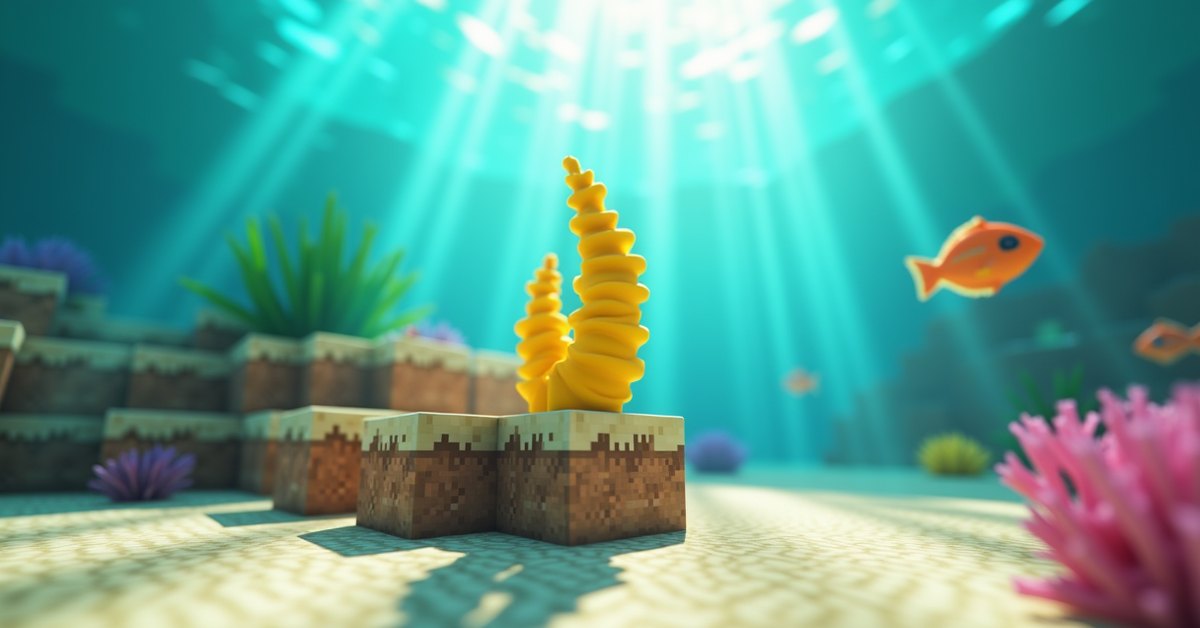
Horn coral fan is the yellow, fan-shaped coral decoration that grows on coral blocks in warm ocean reefs. It’s one of five coral fan variants in Minecraft, alongside tube (blue), brain (pink), bubble (purple), and fire (red). All five share the same rules: they need water, they break instantly, and they only drop themselves when mined with a Silk Touch tool.
You’ll see horn coral fan most often as small yellow tufts clinging to horn coral blocks. It exists for one reason: looks. There’s no recipe that uses it, no redstone trick built around it, and no mob that drops or eats it. It’s a decoration block, full stop. If you’re building an aquarium, a beach base, or a warm-ocean diorama, that yellow color is the easiest way to add a sun-bleached tropical feel without painting glazed terracotta yellow.
This guide covers where horn coral fan generates, how to mine it without losing it, how to place the fan on floors and walls, what kills it, and how it behaves in Java vs. Bedrock.
Where horn coral fan generates
Horn coral fan generates naturally in coral reef structures inside warm ocean biomes. Warm oceans are the bright turquoise ones with sandy seafloors, tropical fish, pufferfish, and reefs full of color. You won’t find coral, alive or dead, in any other ocean type. Lukewarm, cold, and frozen oceans have no reefs at all in the world generator.
Inside a reef, horn coral fan attaches to horn coral blocks and sometimes to the top of horn coral plants. Reefs mix all five coral colors together, so you’ll usually see horn coral fan growing next to brain, bubble, fire, and tube fans on the same outcrop. The fans face whichever direction the game decided when the chunk generated, sitting flat on top of a block or sticking out sideways from a vertical face.
If you want to find horn coral fan reliably, look for a warm ocean on your map and dive. Reefs sit near the surface and are easy to spot from a boat once you’re over them. Bring a water breathing potion or a respiration helmet if you plan to harvest a lot.
How to get horn coral fan
You need a tool with the Silk Touch enchantment to collect horn coral fan. That’s the only way. Breaking it with bare hands, a regular pickaxe, a regular axe, or shears returns nothing. The fan just disappears.
Silk Touch is most commonly enchanted onto a pickaxe, but it also works on shears. Any silk-touched tool will drop the fan as an item when you break it. Once mined, the fan goes into your inventory like any other block and can be placed wherever you want.
A few tips for harvesting:
- Mine the fan, not the block underneath. Coral blocks drop themselves with Silk Touch too, but they take longer to break and you’ll usually want the fans, not the cubes, for decoration.
- Mining is instant. Coral fan has a hardness so low that even a fist breaks it in one tick. The catch is the drop, not the speed.
- Bring a water breathing or respiration setup. Most of your time underwater is wasted swimming for air, not mining.
- Mine in short trips. Carry a few stacks back to a chest before going for more, especially if your base is far from the reef.
Stripping a whole reef goes fast and gives you a mix of all five fan colors, which is what most builders want.
Placement: floor and wall variants
Horn coral fan has two placement states. On top of a block, it sits flat like a small yellow fan growing up from the surface. On the side of a block, it becomes “horn coral wall fan” internally, attached to that vertical face and pointing outward. The game handles the swap automatically based on the surface you click.
You can place a fan on top of any solid block, including sand, dirt, stone, glass, slabs (top half), and coral blocks. You can place a wall fan on any solid vertical face. The fan doesn’t need water at the moment of placement, but it will start dying the next time the game checks if it isn’t touching water.
Both placements support waterlogging. The simplest way to keep a fan alive: place a water source block touching the fan from any side. Easier still, place the fan directly into a water source. The fan becomes waterlogged and stays alive as long as that water stays in place.
How horn coral fan dies
This is the part that catches new players. Coral and coral fans are alive in the game’s logic. Without water adjacent to them, they die quickly and turn into their dead variant: in this case, dead horn coral fan, which is grey instead of yellow.
“Adjacent” here means the block itself is in water, or at least one of the six surrounding blocks contains water (either a source block or flowing water). If a fan is dry on all six sides, it dies on the next random tick that hits it, usually within a second or two of real time. The change is permanent. Dead horn coral fan does not come back to life by adding water later.
So when you mine a fan and bring it home, you have two choices:
- Build the display first, then flood it. Place blocks, place the fans, then pour water sources next to them so every fan touches water.
- Place the fans directly into existing water. Build the aquarium first, then dive in and decorate.
Both work. The second is easier, because you can see whether the fan is waterlogged the moment you place it. If a coral fan sits in air for even a few seconds while you set up the next block, it can flip to dead and ruin the color scheme.
One useful trick: if you want the dead grey look on purpose (some build styles call for sun-bleached or volcanic reefs), just place fans without water and wait. They’ll convert themselves. You don’t need to find dead variants in the wild.
Practical uses for horn coral fan
Horn coral fan does nothing mechanically. It has no recipe input, no comparator signal, no interaction with mobs, no light level, and no redstone use. The point is the yellow color and the small organic shape.
Where it works well in builds:
- Aquariums and indoor reefs. Pair yellow horn fans with pink brain fans and purple bubble fans for a busy, full-color reef look.
- Tropical or beach builds. Yellow horn fan reads as sea life and looks at home on sandy walls or above coral blocks in a faux tide pool.
- Underwater paths and ruins. A few yellow fans along the floor of a flooded corridor suggest age and overgrowth without needing mods.
- Dead reef effects. Let some fans dry out on purpose to mix yellow and grey, which sells a reef-that-lost-half-its-coral look without much extra effort.
For survival players, the most common use is the simplest: a single fan on top of a coral block in an aquarium next to spawn. It’s cheap decoration that doesn’t require any redstone or building skill.
Java vs. Bedrock
Horn coral fan works the same way on both editions. Generation, drops, Silk Touch requirement, waterlogging, the death rule, and the dead variant are identical in current versions. The one small difference is enchantment routes: Silk Touch shears are slightly easier to roll on Java’s enchanting table, but both editions accept the same drop logic once you have the enchant on any valid tool.
Older versions (1.13 to about 1.14) had a few quirks around how flowing water counted for the “alive” check, but those have been ironed out. If you’re playing any 1.18+ version, what you read here applies.
Common mistakes and quick fixes
The single most common mistake is breaking horn coral fan without Silk Touch and wondering why nothing dropped. Check your tool. If the enchantment isn’t on it, you’re losing the fan every time.
The second most common mistake: placing fans in air and walking off. Even if you mean to add water in a minute, the fan often dies before you come back. Place water first, then fans.
A third one: forgetting that flowing water dries out at the edges. If your aquarium relies on a single source flowing down a few rows, the last block in the flow may not count as adjacent water for a fan two rows over. Use enough source blocks to actually cover the area.
Frequently asked questions
Can horn coral fan grow back if it dies?
No. Once a coral fan converts to its dead variant, it stays dead. Replacing the surrounding water doesn’t bring it back. You have to break it and place a fresh, alive fan.
Does horn coral fan break in flowing water or bubble columns?
No. Coral fans aren’t broken by water flow, soul-sand bubble columns, or magma bubble columns. They sit happily inside flowing water and bubble streams. The only things that break them are mining, piston pushing, or the block under them being destroyed.
Can I push horn coral fan with a piston?
No. Coral fans break when pushed by a piston and drop nothing. Don’t build piston decorations around live coral fans if you want to keep them.
Does horn coral fan need light to survive?
No. Light level doesn’t affect coral life. The only requirement is adjacent water. A fan in a pitch-black flooded basement is fine; a fan in full daylight without water is dead in seconds.
Can I farm horn coral fan?
Not really. Coral and coral fans don’t spread or grow naturally once placed. Bone meal does nothing to them. The only way to get more in vanilla is to revisit a warm-ocean reef and mine more with Silk Touch. Some servers add mods or datapacks for coral spreading, but the base game has nothing.
Does horn coral fan have a wall version separate from the floor version?
Internally yes. There’s a “horn coral fan” block (on top of a surface) and a “horn coral wall fan” block (on the side of a surface). Both drop as the same item: horn coral fan. The game picks the right state when you place it based on which side of a block you clicked.
Why is my horn coral fan grey instead of yellow?
It died. Adjacent water wasn’t there long enough during placement, or the water source got removed later. Break it and place a fresh, waterlogged fan to get the yellow color back.
The short version
Horn coral fan is one of the easiest decorative blocks in Minecraft once you remember two rules: Silk Touch to mine it, and water on at least one adjacent side to keep it alive. Get those two right and a stack of yellow fans will outlast any build you put them in.