What is a hopper in Minecraft?
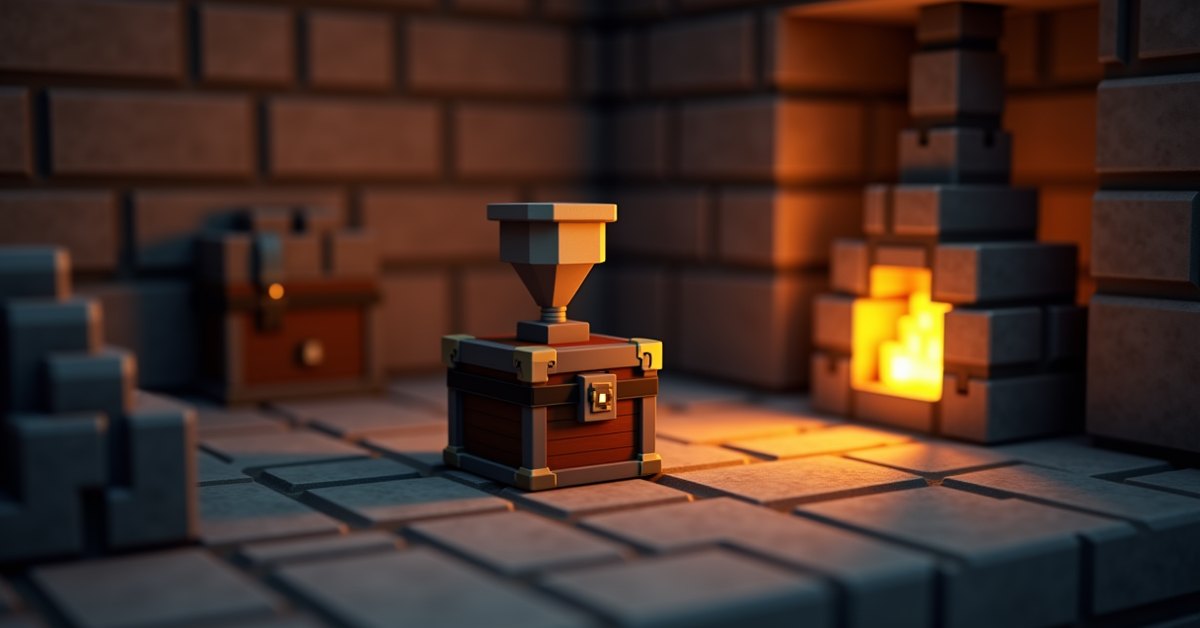
A hopper is a utility block that catches items dropped on top of it and pushes them into a container below or beside it. Players use hoppers as the backbone of any automatic farm or item sorter, because they move items without anyone touching the controls. Drop a sword on a hopper, and that sword ends up in a chest two seconds later.
Hoppers were added in Minecraft 1.5, the Redstone Update, and have stayed mostly unchanged since. You’ll find them everywhere from beginner mob farms to enormous storage halls with hundreds of blocks of automation behind a single wall.
How to craft a hopper
You need 5 iron ingots and 1 chest. In a crafting table, place the chest in the center slot, then surround the bottom three sides with iron ingots, like a funnel:
- Top row: iron, empty, iron
- Middle row: iron, chest, iron
- Bottom row: empty, iron, empty
Iron is the bottleneck. Five ingots per hopper adds up fast once you start building anything serious, so most players run an iron farm before they go heavy on hopper-based contraptions. There is no cheaper alternative, and there is no way to repair a hopper if it breaks (breaking a hopper returns the full block, so this is rarely an issue).
Place a hopper by pointing at the block you want it to feed into. If you stand on top of a chest and right-click the chest with a hopper, the hopper attaches to the top, output pointing down into the chest. To attach it to the side, sneak (shift) and right-click the side face. The hopper rotates to point sideways, with its spout aimed at the block you clicked.
How a hopper moves items
Hoppers do three things at once: collect, hold, and push.
Collection
A hopper sucks up any item entities that float into the block of space directly above it. The pickup zone is slightly taller than a full block, so a hopper will grab items that are bouncing or falling from a little bit higher. This is how a mob grinder catches drops: mobs die on a kill floor, items pop out, and a hopper underneath swallows them.
Holding
Each hopper has 5 inventory slots. That is the same as a brewing stand and smaller than a chest. Items stack normally, so 5 slots can hold up to 320 of a stackable item or 5 individual non-stackable items like elytra. The slots fill left to right.
Pushing
A hopper pushes one item per transfer tick into the container its spout is pointing at. The transfer rate is 1 item every 8 game ticks, which works out to 2.5 items per second. That is the number every redstone engineer memorizes, because it sets the throughput of every automatic system you will ever build.
If the hopper’s spout points at another hopper, items chain through one to the next at the same rate. You can build long horizontal item streams this way, though faster alternatives like water streams and dropper lines exist for high-volume builds.
What blocks a hopper can feed
A hopper can move items into and out of a long list of containers:
- Chests, trapped chests, and barrels
- Furnaces, smokers, and blast furnaces
- Brewing stands
- Dispensers and droppers
- Other hoppers
- Placed shulker boxes (a shulker box sitting in a player inventory slot cannot be filled by a hopper)
- Composters (output only, into the hopper underneath)
- Hopper minecarts and chest minecarts that pass over a hopper on a rail
Furnaces have three slots, and the hopper rules are direction-specific:
- A hopper feeding from above puts items in the top input slot
- A hopper feeding from the side puts items in the fuel slot
- A hopper below the furnace pulls finished products out of the result slot
This is why an auto-smelter usually has three hoppers: one on top with raw materials, one on the side with coal or buckets, and one underneath catching the cooked output. The same three-hopper pattern works for smokers (food) and blast furnaces (ores).
How to turn a hopper off
A redstone signal disables a hopper’s push and pull. The block still exists, and items can still drop into the visible top, but the hopper stops transferring. As soon as the signal cuts off, transfers resume.
There are two main ways to power one:
- Drop a redstone torch or block of redstone next to the hopper
- Send a signal through a comparator or repeater pointing at the hopper
This is the foundation of an item filter. A comparator reads the inventory of the hopper above it; when a specific item passes through, the signal changes, and the next hopper opens or closes based on that change. Item sorters in storage halls work this way, splitting incoming items into matching chests across dozens of channels.
Hopper minecart: the mobile version
A hopper minecart is a minecart with a hopper bolted on top. You craft one by combining a regular minecart with a hopper. Place it on a rail, and the cart moves around while collecting items from above the rail and pulling items from any container the rail passes under.
Hopper minecarts collect items even when they are moving slowly, which makes them the standard solution for collecting items spread across a wide area. Common uses:
- Sweeping the floor of a kelp or sugarcane farm
- Pulling drops from a mob grinder that is wider than a single block
- Moving items between distant chests on a powered rail line
One thing to watch: hopper minecarts on activator rails switch off, which is useful when you want a section of track where items do not get sucked up.
Tips and common mistakes
A few traps catch people when they start building with hoppers.
The spout direction is the first thing to check when a hopper is not transferring. The spout matters, not the top opening. A hopper placed by clicking on the top of a chest points down. A hopper placed on the side of a chest, with sneak held, points sideways into the chest.
Accidental power is the second culprit. If a hopper sits next to a redstone lamp, a redstone torch, or any block that is getting a signal, the hopper will lock up. Move the wiring or break the connection.
The third issue is throughput. A hopper moves 2.5 items per second. If your mob grinder produces 10 items per second, items will back up and despawn before the hopper catches them. Use multiple hoppers in parallel, a wider catch zone, or a water stream that funnels items into one hopper.
One that surprises new players: iron costs. A 30-channel item sorter can eat through 1,000 iron ingots before you blink. Plan your iron supply first, or you will be running an iron farm halfway through a project you thought was almost done.
Finally, items go into the topmost open slot of a hopper, filling left to right. If your sorter relies on a specific slot being full, verify with a comparator that the signal reads the right inventory.
Java vs. Bedrock differences
Hoppers work nearly identically across Java and Bedrock editions. Two small things to know:
- Item pickup range above a hopper is very slightly different between editions, but for practical building you can treat it as the same.
- Some redstone timing edge cases shift between versions because the two editions handle game ticks differently. If you are following a Java-built design, expect to retune comparator-based timers on Bedrock.
For most builds, a Java tutorial works on Bedrock without changes.
Frequently asked questions
How fast does a hopper transfer items?
One item every 8 game ticks, or 2.5 items per second. This is the default and cannot be changed without mods.
Can a hopper pick up items from more than one block above?
The hopper picks up entities in the block directly above it and slightly higher (items that are bouncing or falling get pulled in). It will not pick up an item sitting motionless two blocks above. For wider or taller pickup zones, use a hopper minecart on rails or a water stream that funnels items to a single hopper.
Can a hopper feed a chest above it?
No. A hopper’s output is the spout, and the top of the hopper is an input only. To move items upward, use a chain of droppers triggered by an observer or a clock circuit.
Why won’t my hopper move items?
The three most common reasons:
- The hopper is powered by redstone. Trace the wiring and remove the signal.
- The output container is full. Hoppers do not push when there is nowhere to put the item.
- The hopper is pointing at a non-container block (like a stone block or air). Break the hopper and re-place it, sneaking before you click on the side of the target container.
Can hoppers move items into shulker boxes?
Yes, as long as the shulker box is placed in the world. A placed shulker box acts as a container, so a hopper can feed it like any chest. A shulker box sitting in an inventory slot cannot be filled by a hopper.
Does a hopper count as a redstone component?
Yes, in the sense that it interacts with redstone signals and shows up in almost every advanced redstone build. Comparators read hopper inventory levels for item sorters, and a hopper’s transfer can be gated by a signal. That is the basis of nearly every automated storage system in the game.
Can I rename or dye a hopper?
Hoppers can be renamed in an anvil, which mostly affects how they show up in a sorter’s tooltip when you hover the inventory. They cannot be dyed.
Wrap-up
Hoppers are the cheapest way to build automation into a survival world, and they are worth the iron. Once you have placed your first one and watched a stack of cobblestone move itself into a chest, the rest of redstone starts to click into place. Start with a small auto-smelter, then graduate to a sorter, then build something nobody asked for. The block has carried more wild contraptions than any other in the game.