A note block is a Minecraft block that plays a musical note when it gets a redstone signal. The note it plays depends on three things: the block sitting directly under it, the pitch you’ve set, and whether the note block has a mob head on top.
That’s the whole concept, but it goes deeper fast. Place a note block on different materials and you’ll get harps, basses, drums, bells, banjos, and more. Stack a row of them with different blocks underneath and you’ve got a sequencer that can play any Minecraft song the redstone can keep up with.
This guide covers what a note block is, how to craft one, every instrument it can play, how pitches work, and a few practical tips for actually using them in builds.
What is a note block?
A note block is a utility block introduced in the early days of Minecraft (Beta 1.2, back in 2011). It looks like a slab of wood with a square indent on the top face. When powered by redstone, it produces one note from its current instrument.
Each note block plays a single note at a time. To build a melody, you place a row of note blocks and trigger them in sequence with redstone repeaters set to different delays. To play chords, you place multiple note blocks side by side and trigger them on the same tick.
Note blocks are functional, not decorative. They don’t store any state visually beyond a small particle puff when they fire. The only way to tell what pitch a note block is set to is to right-click it and listen, or watch the colored particle that shoots up when it plays.
How to craft a note block
The recipe uses eight wood planks of any type around one piece of redstone dust in the middle slot of a crafting table:
| Left column | Middle column | Right column |
|---|---|---|
| Plank | Plank | Plank |
| Plank | Redstone dust | Plank |
| Plank | Plank | Plank |
The wood type doesn’t matter and doesn’t affect the instrument. Oak, birch, dark oak, spruce, jungle, acacia, mangrove, cherry, bamboo, crimson, and warped planks all produce the same block. You can also mix plank types in the recipe. One craft yields one note block.
How to make a note block play
A note block plays when it receives a redstone signal. Any redstone source works:
- A redstone wire attached to a powered source
- A button, lever, or pressure plate placed next to it or on top
- A redstone repeater or comparator pointing into it
- An observer detecting a block update next to it
- An automatic trigger like a daylight sensor or a tripwire hook
For the note block to actually produce sound, the space directly above it must be air or a transparent block (slabs, glass, signs, half-blocks). If you place a solid block on top, the redstone still triggers the note block but you’ll hear nothing. This catches a lot of new players the first time they try to embed a note block inside a wall.
You can also play a note by right-clicking the top of the note block in Java Edition. On Bedrock, the controls vary by device but the same interaction exists.
Instruments by block
This is the part most players actually want to know. The instrument a note block uses depends on the block directly beneath it. Change the block underneath and the same note block will play a different sound.
| Block below | Instrument |
|---|---|
| Dirt, grass, or any block not on this list | Harp (default) |
| Any wood block (planks, logs, fences) | Bass |
| Stone, deepslate, blackstone, netherrack | Bass drum |
| Sand, red sand, gravel, concrete powder | Snare drum |
| Glass, sea lantern, beacon | Hat (sticks) |
| Wool (any color) | Guitar |
| Clay block | Flute |
| Gold block | Bell |
| Packed ice | Chime |
| Bone block | Xylophone |
| Iron block | Iron xylophone |
| Soul sand | Cow Bell |
| Pumpkin | Didgeridoo |
| Emerald block | Bit |
| Hay bale | Banjo |
| Glowstone | Pling |
Some of these are surprising the first time you hear them. The bit instrument on emerald block is a square-wave chiptune sound straight out of an 80s arcade. The didgeridoo on a pumpkin sounds like the Australian drone instrument it’s named after. Pling on glowstone sits between a muted bell and a soft pluck.
Changing pitch
To change the pitch of a note block, right-click its top face. Each click bumps the pitch up by one semitone. After cycling through every available note, the pitch wraps back around to the lowest.
The full range covers two octaves of notes, from F#3 at the bottom to F#5 at the top. That’s 25 distinct pitches in total.
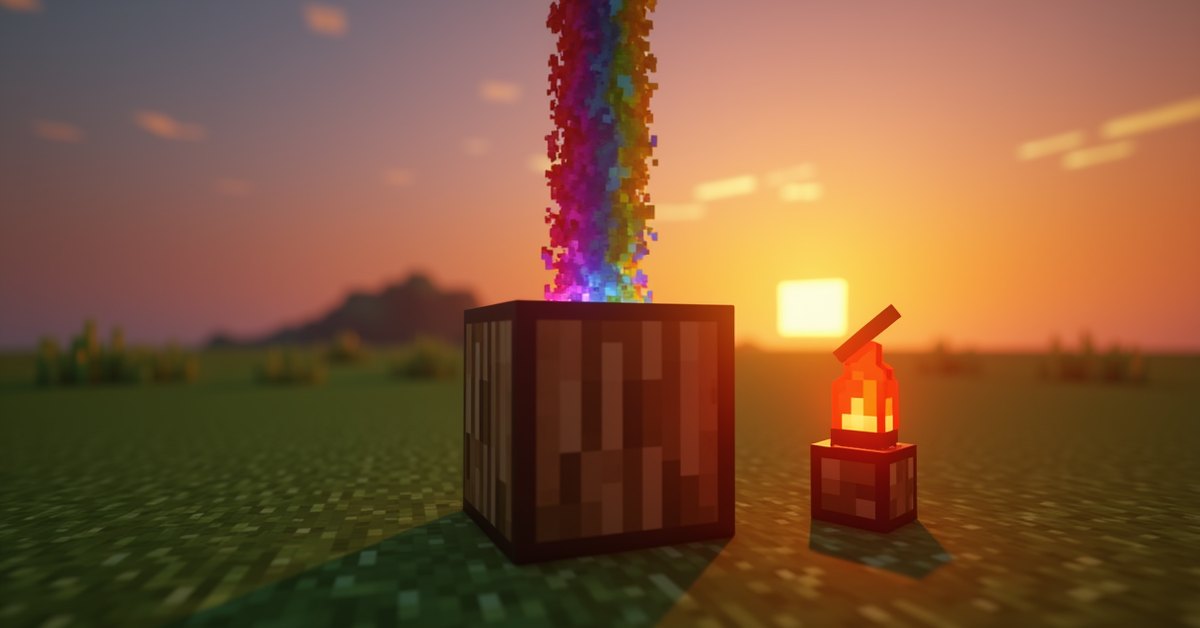
When a note block plays, it shoots a colored particle straight up. The particle color maps to the pitch:
- Red for the lowest notes
- Yellow and green for the middle range
- Blue and purple for the higher notes
- Magenta for the very top
The color gives you a visual cue when you’re tuning a sequence by ear and want to spot which block is off. It also makes a redstone music box look more lively, since every firing paints a streak of color into the air.
Mob heads on top
Placing a mob head on top of a note block changes the sound to that mob’s voice when the note block fires. The mob heads that work:
- Zombie head: zombie groans
- Skeleton skull: skeleton rattle
- Wither skeleton skull: wither skeleton sound
- Creeper head: creeper hiss
- Piglin head: piglin grunts
- Dragon head: ender dragon roar
The pitch slider still applies, so you can tune mob voices into rough melodies. The mob-head-on-note-block trick was added in the 1.19 Wild Update and expanded later. It’s the basis for most of the “talking” redstone builds you see on YouTube.
Building a simple song
The cleanest way to play a song is a straight line of note blocks, each tuned to the right note, triggered in order by a redstone clock with repeaters between them. To time it properly:
- Each repeater tick is 2 game ticks (0.1 seconds).
- A repeater set to its maximum 4 ticks gives a 0.4-second delay.
- For a typical song at 120 BPM, you’ll want roughly one note every 0.25 seconds, so plan your repeater settings accordingly.
For chords, place multiple note blocks side by side and fire them with the same redstone pulse. Up to four note blocks fed by the same source play at the same instant.
One thing most builders miss: instrument variety makes a song listenable. A melody on harps alone gets monotonous fast. Drop bass-drum kicks under stone-mounted note blocks set to low pitch on the offbeats and the whole thing comes alive.
Java vs Bedrock differences
The note block behaves the same on both editions in normal use. The practical differences come down to a few small things:
- Sound quality: Bedrock and Java use slightly different audio samples. They’re close but not identical.
- Right-click interaction: On Bedrock console editions, the input mapping for tuning is different (typically the controller’s interact button), but the result is the same.
- Mob head sounds: All current mob head sounds work on both editions in modern versions (1.20+).
If you’re building a redstone music box that you plan to share between Java and Bedrock worlds, the design ports over fine. The result will sound subtly different but the song will still be the song.
Tips and common mistakes
- Always leave air or a transparent block above the note block. Solid blocks on top mute it.
- The block below the note block sets the instrument. To change the instrument, swap the block underneath.
- Plank type doesn’t change the instrument. Oak, spruce, and cherry planks all give the same block.
- Note blocks update when the block underneath changes. If you’re tuning a sequence and the instrument suddenly shifts, check what got placed below.
- For a redstone music box that fires every loop, use a 1-tick repeater clock and pulse extenders to keep the signal clean.
- Use a sign or item frame next to each note block to label the note. It saves your sanity when debugging a 64-block sequence.
Frequently asked questions
What block under a note block makes a piano sound?
There isn’t a “piano” instrument specifically. The harp (the default sound when the block below isn’t on the special list) is the closest thing to a piano in Minecraft. Most players use a row of harps for melodies and treat that as the piano line.
Can a note block play more than one note at a time?
No. Each note block plays exactly one pitch on one instrument when triggered. To make a chord, place multiple note blocks side by side and trigger them on the same tick.
How many pitches can a note block play?
Twenty-five distinct pitches across two octaves, cycled through by right-clicking the top of the block. After the highest note, the next right-click wraps back to the lowest.
Why does my note block not make a sound?
The most common cause is a solid block sitting directly on top of the note block. Move whatever’s on top to a side block and the sound will return.
Do note blocks work with sculk sensors?
Yes. A sculk sensor wired through a comparator to a note block works fine. The sensor’s vibration trigger sends a redstone pulse like any other source.
Can I dye a note block?
No. Note blocks have one appearance and can’t be dyed. The colored particle above the block changes with pitch, but the block itself stays the same.
Does the wood type used to craft a note block change the sound?
No. Oak, birch, dark oak, jungle, acacia, spruce, mangrove, cherry, bamboo, crimson, and warped planks all produce an identical note block.
Conclusion
The fun of note blocks isn’t really in any one of them, it’s in stringing dozens together and getting a recognizable song out of a stack of wood and redstone. Start with one row of eight blocks, tune them to a C major scale, and pulse a redstone signal down the line. From there it’s iteration: change the blocks below to vary instruments, add chord stacks, layer in a bass-drum rhythm. Most of the famous redstone music videos you’ve seen started with that exact eight-block test rig.