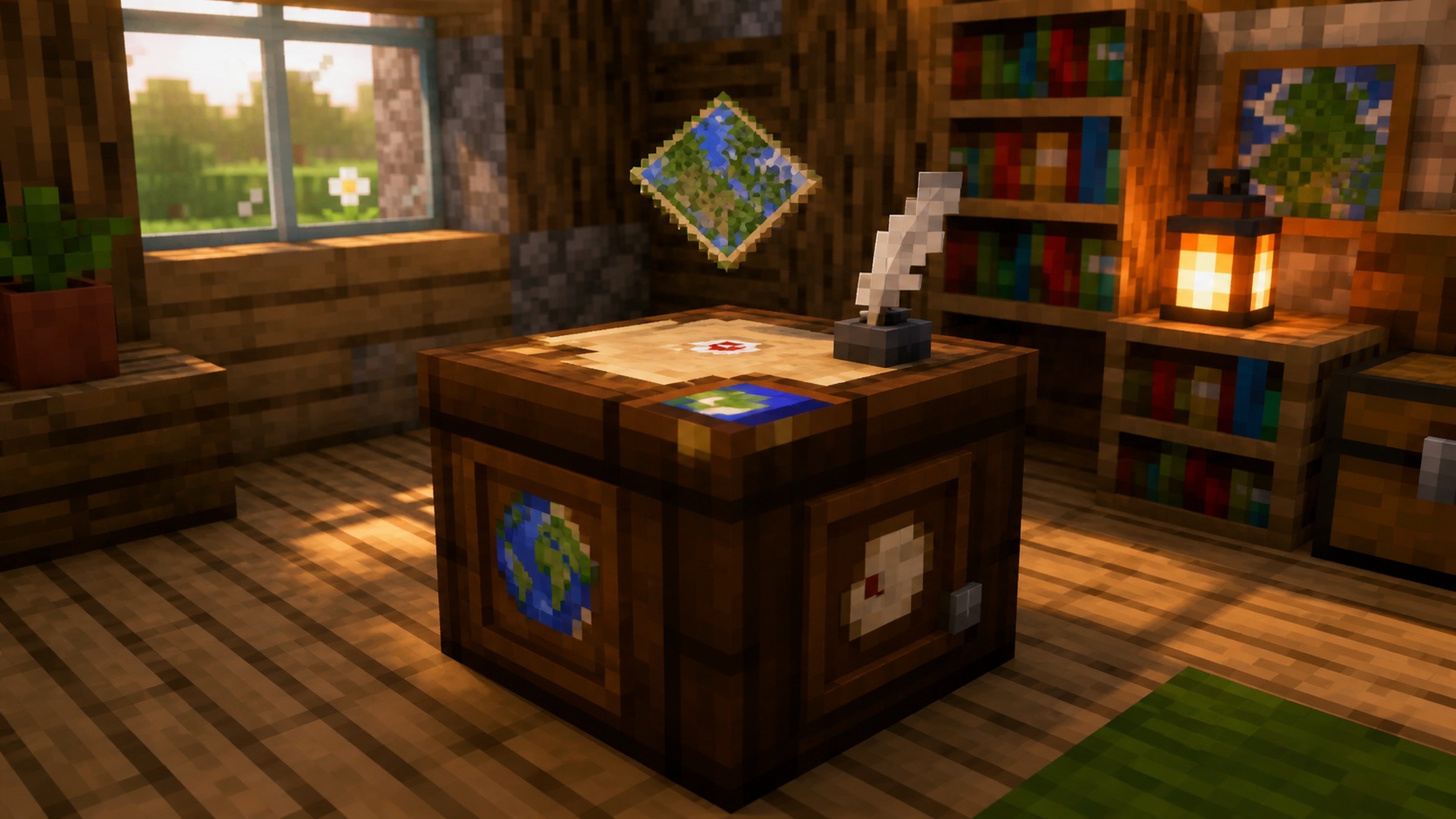
What a cartography table does
A cartography table is a utility block. Right-click it (or tap and hold on Bedrock touch controls) to open its interface, which is a two-input, one-output crafting layout dedicated to maps. The two input slots accept a map plus one other item like paper, an empty map, a glass pane, or in some cases a compass. The output is whatever the table can build from that combination.
The block itself is a single full-size cube with wood-textured sides and a parchment-and-quill design on top. It doesn’t conduct redstone, doesn’t need power, and doesn’t have an inventory you can store things in. Anything you put in the two input slots stays there only while the GUI is open. Close the menu without taking the result and the items return to your inventory.
It’s also the job site block for cartographer villagers. Place one inside a village or close to an unemployed villager and someone with no current profession can claim it.
How to craft a cartography table
Crafting takes 2 paper and 4 wood planks of any type, mixed or matched. The shape uses the top half of a crafting grid:
- Top row: paper, paper, (empty)
- Middle row: plank, plank, (empty)
- Bottom row: plank, plank, (empty)
Any plank works: oak, spruce, birch, jungle, acacia, dark oak, mangrove, cherry, pale oak, crimson, warped, or bamboo. You can mix plank types in a single recipe, which helps if you’re partway through clearing one forest and only have odd ends of another.
Paper comes from sugar cane. Three sugar cane laid out in a horizontal row makes 3 paper, so one paper recipe gives you enough for one cartography table with one piece left over.
Where to find one in villages
Cartography tables generate naturally inside cartographer houses in every village biome. Plains, savanna, taiga, desert, and snowy villages each have a cartographer building style, and the table sits inside on a wooden floor or stone platform.
If you’re early in a world and don’t have planks yet, breaking a village cartography table with an axe is the fastest way to get one. The block drops itself when broken, so you can pick it up and place it back home.
You don’t need anything special to mine it. An axe is fastest, but bare hands work and a wooden tool will do the job. Like most utility blocks, the cartography table doesn’t reward higher-tier tools.
Working with maps at the cartography table
The main job of a cartography table is to do things to a map that the crafting grid either can’t do or does with way more materials. Every operation uses the same workflow: open the table, drop a map in the top slot, drop a second item in the bottom slot, then take the result.
Zoom out a map
Place a filled map in the top slot and a piece of paper in the bottom slot. The table produces a zoomed-out copy of the same map. Maps zoom from a 1:1 scale (level 0) up through:
- Level 0: 128 by 128 blocks
- Level 1: 256 by 256 blocks
- Level 2: 512 by 512 blocks
- Level 3: 1,024 by 1,024 blocks
- Level 4: 2,048 by 2,048 blocks
Each zoom step costs one paper. Going from level 0 to level 4 takes 4 paper total. The crafting table version of this trick takes 8 paper per zoom step, which is why the cartography table is the practical way to make a wide-area map.
The zoomed map starts blank in the unexplored areas. You’ll need to physically walk the new tiles to fill them in.
Clone a map
To make a duplicate, put a filled map in the top slot and an empty map in the bottom slot. The output is two identical filled maps that share progress. Anything you reveal on either copy after that point shows up on the other one. This is the fastest way to give a teammate a working map without losing your own.
You can clone a locked map too, but you’ll get two locked copies that can’t update further.
Lock a map with a glass pane
Drop a filled map in the top slot and a glass pane in the bottom slot. The output is a locked version of the map. Locked maps stop receiving updates, so new builds, terrain changes, and player movements won’t redraw them.
This matters more than it sounds. If you spend hours making a careful map of your spawn region, then someone TNTs a corner of it, the unlocked version replaces your snapshot with the crater. A locked map preserves whatever was there at the moment you locked it.
Glass panes are cheap. Six glass blocks make 16 panes, and one pane locks one map.
Add a player marker
If you have a filled map without the white player arrow, drop it in the top slot and put a compass in the bottom slot. The table returns a map with the marker active. This is the fix when you end up with a map that doesn’t show your position, usually because the original empty map was crafted from paper alone with no compass.
Cartographer villagers and the cartography table
The cartography table is the only job site block that gives a villager the cartographer profession. If you place one within range of an unemployed villager, that villager will claim it overnight and switch to the cartographer trade. Their workstation icon shows as the cartography table.
Cartographers are useful for two trades that don’t have a vanilla alternative:
- Ocean explorer maps that point you toward the nearest ocean monument.
- Woodland explorer maps that point you toward the nearest woodland mansion.
Both maps cost emeralds plus a compass at the journeyman or expert tier. Without a cartographer, finding either structure means manually exploring or using cheats.
If you want to lock in a specific trade, build a small cartography-table room far from any other workstation, drop an unemployed villager inside, and only place the cartography table you want them to claim. That way you control which villager gets the job.
Tips and common mistakes
A few things players get wrong the first few times they use a cartography table:
- The cartography table doesn’t rename maps. That’s the anvil’s job. Some players assume the table handles every map operation, but anvils still own renaming.
- You can’t zoom in. Maps only go from small scale to large scale. Once a map is at level 2, you can’t shrink it back to level 1.
- An empty map and a piece of paper are different items. Clone wants an empty map. Zoom out wants paper. The table won’t run if the wrong item sits in slot 2.
- The compass slot adds a player marker. It does not turn a small-scale map into a big one or change anything else about the map.
- Locked maps are permanent. There’s no unlock button. If you mess up a lock, you’ll need to make a fresh map from scratch.
One bonus trick: if you’ve zoomed a map all the way out and want a fresh small map of the same area, craft a new empty map and walk the area again. Cartography tables can’t reverse a zoom, but they can clone and lock the new small map once you’ve filled it in.
Java vs. Bedrock differences
The block works the same on both editions for crafting, mining, and the four core map operations. The main practical difference is how empty maps come out of the recipe. On Bedrock, the default empty map recipe varies by version and platform, and sometimes already includes a player marker, which makes the compass slot less useful day to day. On Java, the compass slot still gets used regularly when players craft a paper-only empty map and want the marker added later.
The interface layout is the same on both editions, although touch controls on Bedrock surface the operation labels a little differently from the Java keyboard-and-mouse view.
Frequently asked questions
Can you craft a map at a cartography table?
No. You craft an empty map at a regular crafting table. The cartography table only works once you already have a map in your hand.
Why won’t the cartography table accept my book?
The cartography table doesn’t take books. You’re probably thinking of a lectern. Lecterns hold written books and let other players read them.
Does the cartography table need light or power?
No. It works in any light level, doesn’t accept redstone signals, and doesn’t slow down or break in water.
Can I use any wood for the cartography table?
Yes. All standard plank types work, including the nether woods like crimson and warped, plus bamboo planks. Mixed planks in one recipe still produce a single cartography table.
How many cartography tables do I need for a village?
One per cartographer villager you want. If you’d like two cartographer trades to choose from, place two tables far enough apart that two different villagers can claim them without overlap.
Can a cartography table be moved with a piston?
No. Like most utility blocks, the cartography table doesn’t push or pull. Break it with an axe and replace it manually if you need to move one.
Can I use the cartography table on a Lodestone-tracked map?
You can clone and lock any filled map at the cartography table, including a map that has a Lodestone marker. Cloning preserves the marker on both copies. Locking freezes the contents but does not remove the Lodestone link.
The cartography table is one of the cheapest utility blocks you can build, and it punches far above its weight once you start exploring at a scale your starter map can’t cover. If you only do one thing with it, make it the level-3 zoom out: that single map will hold the area where most of your survival adventures actually happen.