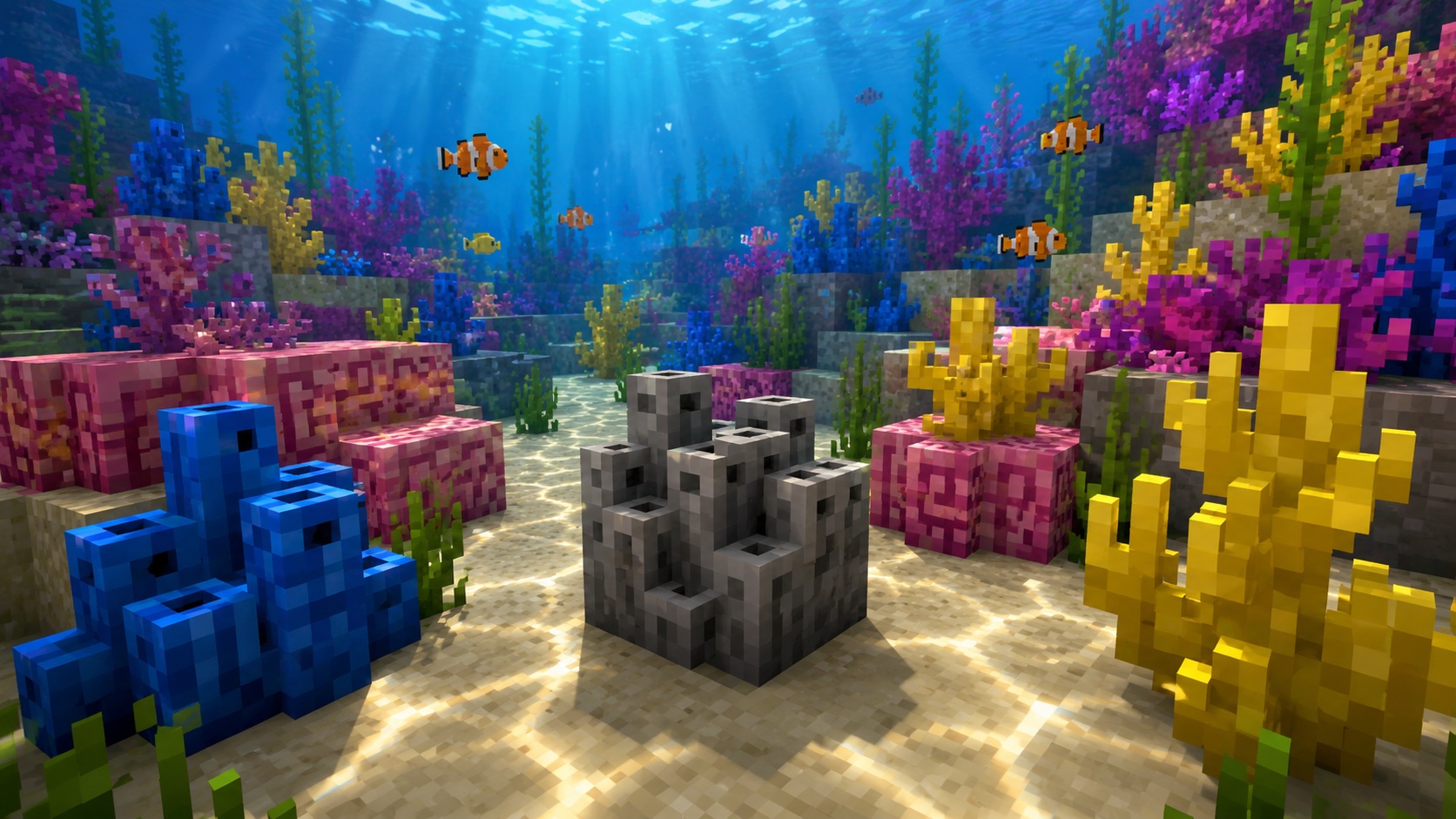
A dead tube coral block is the gray, lifeless version of the deep blue tube coral you see in warm ocean reefs. It looks like the live block with all the color drained out, and once a tube coral block dies, it stays dead for good.
Most players meet it for the first time after mining a live tube coral block without Silk Touch and watching the colorful block come back gray. The dead version still has plenty of uses, just very different ones than the live block.
What a dead tube coral block is
The block is purely decorative. It doesn’t grow, it doesn’t change color back, it doesn’t need water to survive, and it doesn’t drop anything special. Once it’s dead, it behaves like a normal solid building block.
The item ID is minecraft:dead_tube_coral_block. It has the same hardness as the live version (1.5) and the same blast resistance (6). A wooden pickaxe is enough to mine it. It does not emit any light.
One thing to know up front: this is the block, not the fan. The fan version (minecraft:dead_tube_coral_fan) is a thin decoration you stick on a wall or floor. The block is a full cube. They share the gray color but they are different items with different uses.
How to get a dead tube coral block
You have three ways to get a dead tube coral block in Minecraft.
Mine a live tube coral block without Silk Touch
Find a tube coral block in a warm ocean reef and mine it with any pickaxe. Without Silk Touch, the block dies on the way to your inventory and you get a dead tube coral block. This is the fastest way to stock up if you only want a few for a build.
Use a wooden pickaxe or better. Mining with bare hands, a sword, an axe, or a shovel gives you nothing.
Mine an already-dead tube coral block
Dead coral blocks also generate naturally in warm ocean biomes, mixed in with the live coral. Mining one with any pickaxe drops itself, no Silk Touch required. This is the easiest pickup if you spot one while exploring a reef.
Let a live tube coral block die, then mine it
If you place a live tube coral block on dry land, or pull all water away from one in a reef, it turns gray within a few seconds and becomes a dead tube coral block in place. You can then break it with any pickaxe. Some players use this as a low-effort “farm”: place a row of live ones somewhere dry, wait a moment, then collect the gray result.
Why tube coral dies out of water
Coral in Minecraft is a living block. To stay alive, a tube coral block needs at least one water source block touching it on any of its six faces. Waterlogged blocks count as water for this check.
If a tube coral block has no water source touching any of its six sides for more than a moment, it dies. This usually happens when:
- You place one on land without surrounding it with water.
- You drain a coral reef to build something underneath it.
- You place one in a waterlogged spot, then break the surrounding block and expose it.
The change is fast. A live block dies and turns gray within a few seconds of losing its water connection. Once dead, it never revives, even if you add water back later.
Flowing water does not count. Only water source blocks keep coral alive. If your coral is sitting under a small waterfall with only flowing tiles around it, it’s going to die.
Where to find dead tube coral blocks naturally
Dead tube coral blocks generate in warm ocean biomes alongside the live versions. The best places to look:
- Coral reefs in warm ocean biomes (the bright, shallow patches of seafloor with red, pink, yellow, purple, and blue coral mixed together).
- Patches of reef that sit partially above the water line or in very shallow water.
- The edges of reefs where world generation cut off the water and left dead patches behind.
If you spawn into a new world and want a quick supply, find a warm ocean and look for the gray patches mixed into the otherwise colorful reef. They stand out clearly once you know what to look for.
How to use a dead tube coral block in builds
The dead version is a useful building block because it solves a problem the live version doesn’t: it works on land, in caves, and inside builds where adding water would wreck the design.
Some common uses:
- Stone-style accent walls. Dead coral has a chiseled, crusty texture that breaks up flat stone surfaces without needing any dye.
- Ruined or abandoned builds. The gray, weathered look fits well in temple ruins, sunken ships, and overgrown structures.
- Mixed reefs. Pair dead and live tube coral together to suggest old reef sections that have died off, with newer growth alongside.
- Path edges and trim. The texture reads at a distance and works as a border around darker blocks like deepslate.
Mechanically the dead version behaves like a normal solid block. Pistons can push and pull it, it doesn’t catch fire, gravity does not affect it, and it has the same hitbox as a stone block.
Tips and common mistakes
Don’t try to save a dying coral block
Once the color drains, the block is dead and the change is permanent. Putting water back next to it does nothing. If you actually want a live block in that spot, mine the dead one and place a fresh live tube coral block there with water around it.
Carry a Silk Touch pickaxe to the reef
If you’re heading to a warm ocean specifically to gather coral, bring a Silk Touch pickaxe. Without it, every live block you mine dies on the way home. With it, you can pick up live coral and replant it in a wet decorative pond at your base, where the colors stay.
Watch for source blocks, not flowing water
A common mistake is placing a coral block under a waterfall or stream and assuming it’s safe. Flowing tiles don’t count for the coral’s survival check. Only source blocks do. If you see the moving water animation around your coral, it will die.
Use waterlogging for tighter builds
If you want a tube coral block in a build but don’t want a visible pool of water, hide the source. Place a waterlogged stair, slab, or fence next to the coral. The coral counts that as adjacent water and stays alive while the surrounding tile looks dry. This trick is how a lot of builders keep small live coral accents in otherwise dry rooms.
Don’t expect bone meal to do anything
Bone meal works on coral fans (planted on coral blocks underwater in a warm ocean) to grow more coral, but it does nothing on a dead block. The dead version is inert.
Frequently asked questions
Can a dead tube coral block come back to life?
No. Once a tube coral block dies, it stays dead. Adding water around it does nothing. To get a live block back in that spot, mine the dead one and place a fresh live block there with a water source touching it.
What tool do I need to mine a dead tube coral block?
Any pickaxe drops the block. A wooden pickaxe is enough. Mining with bare hands, a sword, an axe, or a shovel gives you no drop at all.
Does Silk Touch matter for dead coral?
No. Dead coral blocks drop themselves with any pickaxe. Silk Touch only matters when you mine live coral, because without it the live block dies on the way to your inventory and you end up with a dead one.
Will a dead tube coral block grow into anything?
No. Dead coral does not grow, spread, or change. It’s a static decorative block. Bone meal has no effect on it.
Can I craft a dead tube coral block?
No. There is no crafting recipe. The block only exists if you start with a live tube coral block (from a warm ocean reef) or find a naturally dead one in the same biome.
Does a dead tube coral block emit light?
No. Its light level is 0. If you want a glowing reef look, hide sea pickles, glowstone, or other light sources behind or beneath the coral.
Can pistons push a dead tube coral block?
Yes. The block is fully compatible with pistons and sticky pistons, push and pull both work.
One last note
If you only ever bump into the dead version by accident, it feels like a penalty for not bringing the right pickaxe. Once you start building with it on purpose, it earns its place next to cobblestone and andesite as a useful gray block with character. Mine a stack, put up a test wall, and see if the texture works for your next project.