What a lever does in Minecraft
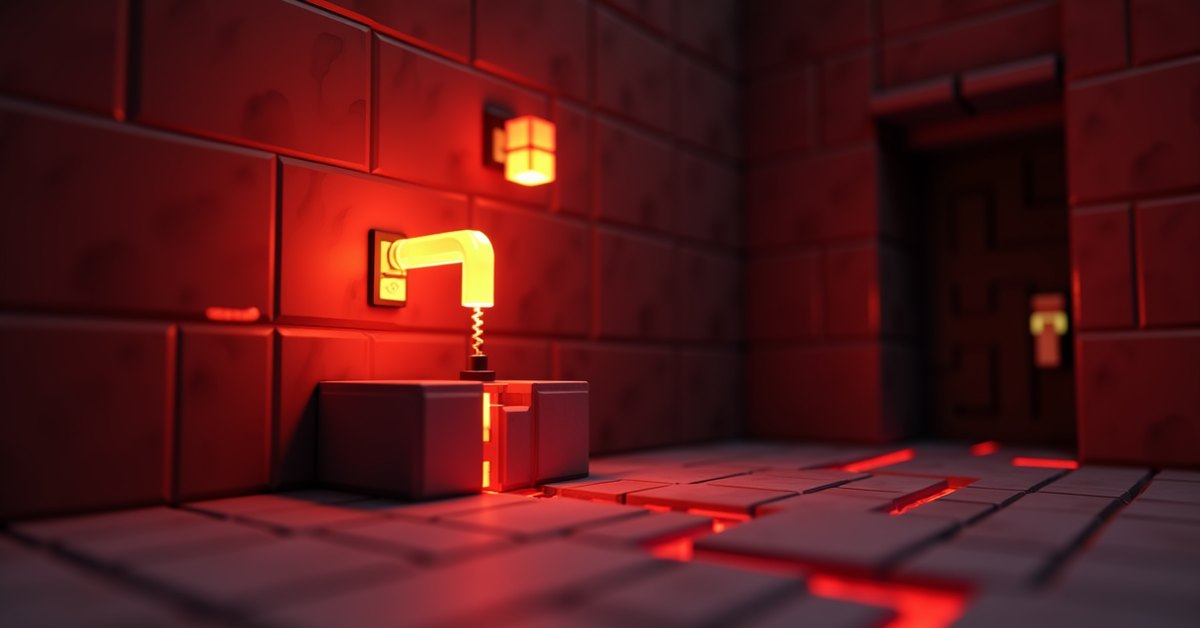
A lever is the simplest persistent switch in the game. Flip it on, and it sends full redstone power to nearby blocks until you flip it off. That makes it the go-to control for doors that should stay open, pistons that should stay extended, and lamps that should stay lit.
Levers cost almost nothing to make, work on any solid surface, and never wear out. If you only learn one redstone component, this is the right one.
How to craft a lever
The recipe is one of the cheapest in the game. You need a crafting table, since the lever uses the full 3×3 grid.
- 1 cobblestone
- 1 stick
Place the stick in the center of the 3×3 grid and the cobblestone in the top-center cell directly above it. The leftover cells stay empty. You get one lever per craft.
Both ingredients are infinitely renewable. Cobblestone comes from any cobblestone generator built with water and lava. Sticks come from planks, which come from logs. A single oak tree gives you enough wood for dozens of levers.
Where you can place a lever
You can place a lever on the top, bottom, or any side of most full solid blocks. That includes stone, dirt, wood planks, glass blocks, and most building materials. The orientation depends on the block face you click.
You cannot place a lever on:
- Glass panes or iron bars
- Fences and walls
- Leaves in some configurations
- Most stair angles
- Other partial or transparent blocks
If the support block is destroyed, the lever pops off as a dropped item. The lever itself has no collision box that blocks movement and never holds water, lava, or falling sand in place.
How a lever powers redstone
When you turn a lever on, it does three things at once:
- It powers itself as a redstone source at strength 15.
- It strongly powers the block it is attached to (the “support” block).
- It weakly powers any block directly touching it.
Strong power lets a block transmit a redstone signal to dust on the other side of it. Weak power does not. That distinction matters for compact circuits, because a lever stuck to a solid block lets you wire redstone dust off the back of that block and still pick up the signal.
A lever’s signal does not drop with distance. As long as the lever is on, the support block stays strongly powered. The instant you flip the lever off, the power drops to zero on the same tick.
Common uses
Doors that stay open
Place a lever on the wall next to an iron door. Flipping it on opens the door and keeps it open until you flip it back. This is the easiest way to make a secure base entrance. Iron doors do not respond to right-clicks the way wooden doors do, so a lever is one of the few practical ways to open them from outside without redstone wiring or pressure plates.
Pistons that hold position
Wire a lever directly to a sticky piston. Flip it on and the piston extends. Flip it off and it retracts. This is the core of hidden doors, drop traps, and most simple redstone contraptions.
Lamps and lighting
Redstone lamps light up when powered. A lever next to a lamp gives you a manual on/off switch for any indoor room or hallway.
Permanently powered circuits
Some builds need a redstone signal that never turns off. A lever in the on position acts as a constant power source. Builders use this for always-on droppers, clocks that need a starting signal, or any device that should keep running without further input.
Locking hoppers
A hopper stops moving items the moment it receives a redstone signal. Place a lever on the side of a hopper, or on a block touching it, and flipping the lever on freezes the hopper in place. Storage sorters and item filters use this trick to pause specific lines without rewiring the whole system. Flip the lever off and the hopper resumes.
TNT switches
A lever next to a block of TNT ignites it instantly when flipped on. This is the classic safe-distance demolition setup: place TNT, run a short redstone line back to a safer spot, flip the lever, and step back. Because the lever stays on after the TNT explodes, any TNT placed in that same powered area later will also ignite, so reset the lever to off when you are done.
Testing your wiring
When you are building a new redstone contraption, a temporary lever is the fastest way to confirm that your circuit works. Stick a lever wherever your real input will eventually go (button, pressure plate, daylight sensor), wire it in, and toggle it to check that the device responds. Once the circuit behaves correctly, replace the lever with the input you actually want.
Lever versus button versus pressure plate
The three basic redstone inputs do different jobs.
| Component | Signal behavior | How to activate |
|---|---|---|
| Lever | Stays on until flipped off | Right-click |
| Button | Pulses on for a short time, then turns off | Right-click (arrow also works on wooden buttons) |
| Pressure plate | On while a valid entity stands on it | Stepping on it |
If you need a persistent on/off, use a lever. If you need a quick pulse, use a button. If you want automatic activation when a player or mob walks past, use a pressure plate.
Tips and common mistakes
The most common lever problem is signal travel. New players assume the lever broadcasts power in a wide area, but it only strongly powers the support block and weakly powers blocks adjacent to itself. If your circuit is not triggering, run a single redstone dust trail from the lever or its support block straight to the device.
Another frequent issue is placing a lever on a block that gets updated by something else. If you stick a lever on a piston head, the piston retracting destroys the lever. Same with sand or gravel that falls, or leaves that decay. Use stable blocks for your supports.
A lever cannot be activated by projectiles. Arrows pass through it without toggling the state. Only a player can flip a lever. If you want arrow activation, use a wooden button or a target block.
Water and lava do not flow into a lever’s space and do not destroy it. You can place a lever underwater or right next to lava without worrying about the block washing away.
Java versus Bedrock
The lever works the same way in both editions in nearly every respect. The crafting recipe, signal strength, placement rules, and right-click behavior are identical. One small difference: in Bedrock, the lever’s visual angle in some attached positions reads slightly differently than Java because of how block models are rendered, but the underlying mechanics match.
If you build a redstone contraption in one edition that depends on a lever, it will behave the same way when rebuilt in the other.
Frequently asked questions
Can a lever be turned on by an arrow?
No. Only a player right-clicking can flip a lever. Arrows pass through it without effect. If you need arrow-triggered switches, use a wooden button or a target block instead.
Does a lever wear out or have durability?
No. A lever can be flipped an unlimited number of times. It has no durability bar and never breaks from use.
Can mobs flip levers?
No. Villagers, zombies, and other mobs cannot interact with levers. Only a player can toggle one.
Can I place a lever on glass?
Yes, on full glass blocks. You cannot place one on glass panes, because panes are partial blocks rather than full ones.
Why does my lever fall off when I break a nearby block?
The lever broke because its support block was destroyed. A lever needs a solid block on the face it is attached to. When that block goes, the lever drops as an item.
Can a lever power blocks above and below at the same time?
It strongly powers its support block and weakly powers any block touching it. So a lever on top of a block can power that block and influence blocks next to it, but how that power propagates depends on whether you are using redstone dust, repeaters, or direct block-to-block transmission.
How do I make a hidden lever?
Place a lever inside a recessed wall behind a painting or a trapdoor. A common build is to set the lever one block deep into a wall, then hang a painting over the opening. The painting passes through, and the lever stays hidden until you remove or right-click through the painting.
Do I need a pickaxe to mine a lever?
No. You can break a lever with your bare hand, any tool, or no tool at all. It always drops as a full item.
Can a lever stay on after I log off?
Yes. World state is saved, so a lever that was on when you left the world will still be on, and the block it powers will still be powered, when you come back. Lever state survives chunk unloading and world reloads.
Final thought
The lever is the cheapest persistent switch in Minecraft and the one you will use most often once you start building anything more involved than a basic shelter. Crafting one before your first night underground pays off the first time you wire a piston, a hidden door, or a redstone lamp.